Desktop Pager
A downloadable software for Windows
DesktopPager is a lightweight Windows utility that brings paged desktops to Windows.
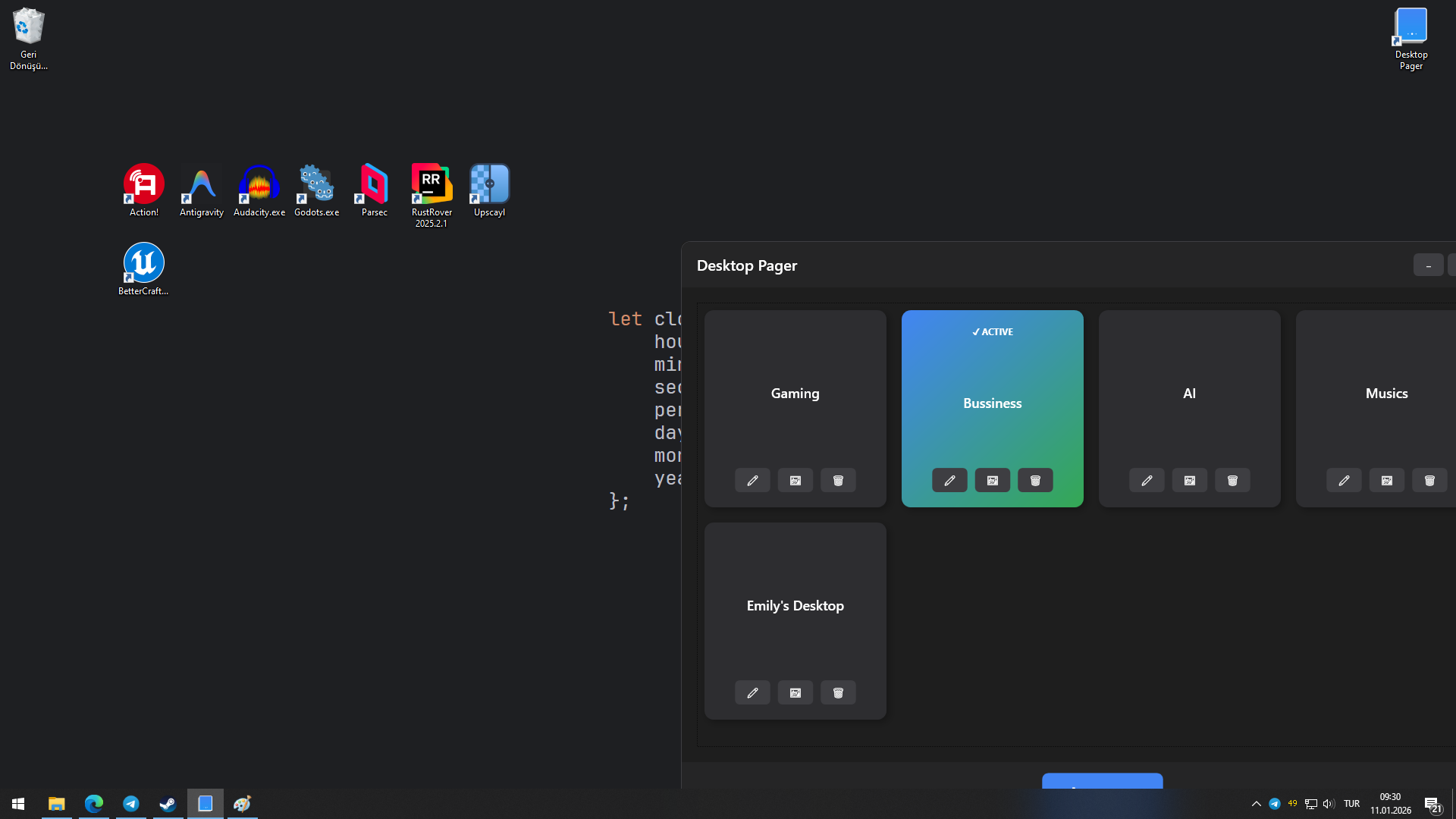
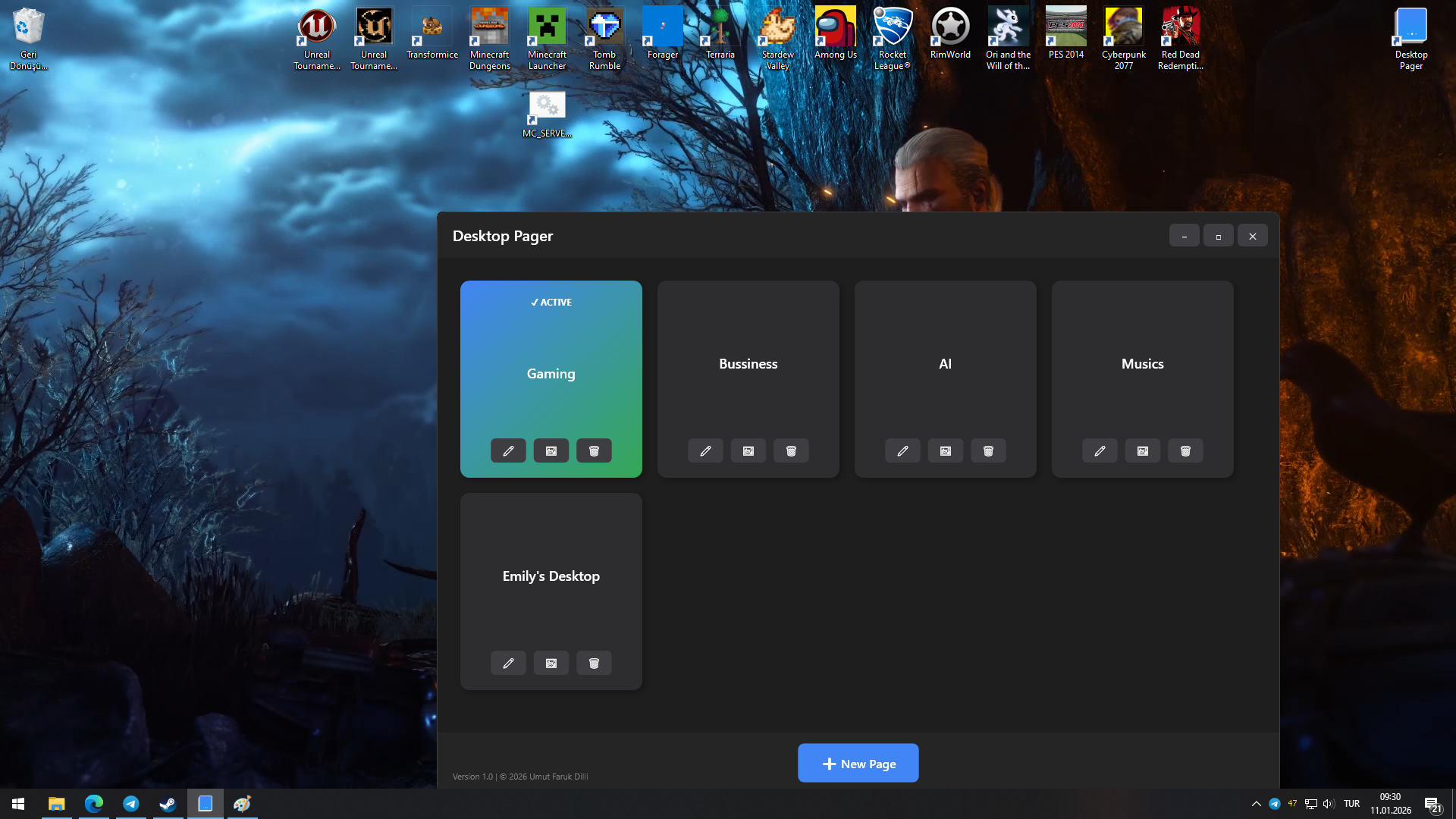
If your desktop is constantly cluttered with shortcuts, files, and folders — DesktopPager lets you split your desktop into multiple pages and switch between them instantly. You can create countless pages, or delete one.
Unlike traditional desktop organizers, DesktopPager does not copy or move your files when switching pages. (Except the first launch)
It uses a junction-based system, meaning page changes are instant, even if your desktop contains very large files.
Key Features
-
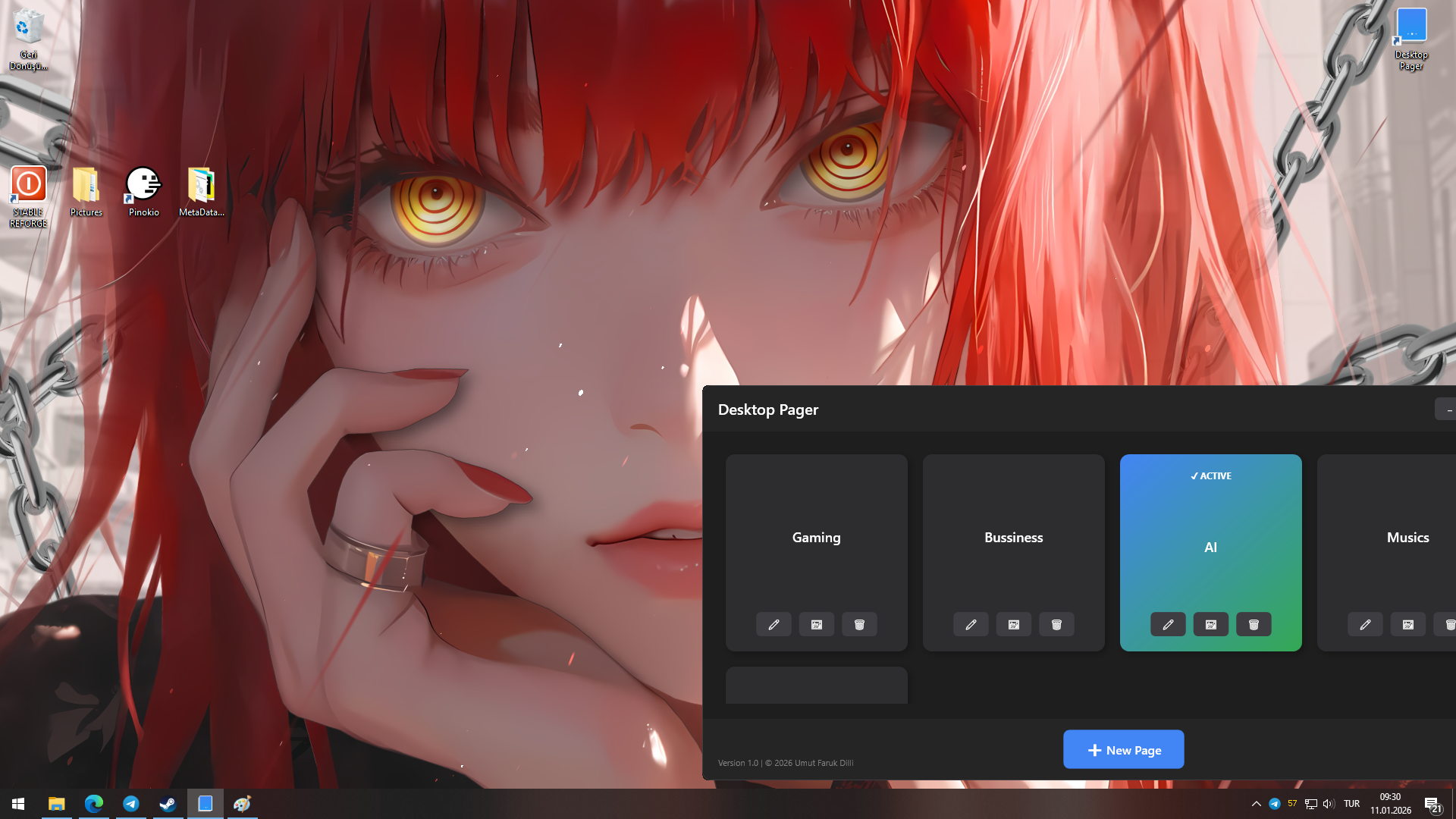
Multiple desktop pages with separate icon sets
-
Instant page switching (no file copying, no delays)
-
Works with large files and folders without performance loss
-
No admin privileges needed during normal usage
-
Fully compatible with Windows 10 and Windows 11
Fully integrated with Wallpaper Engine. (Optional)
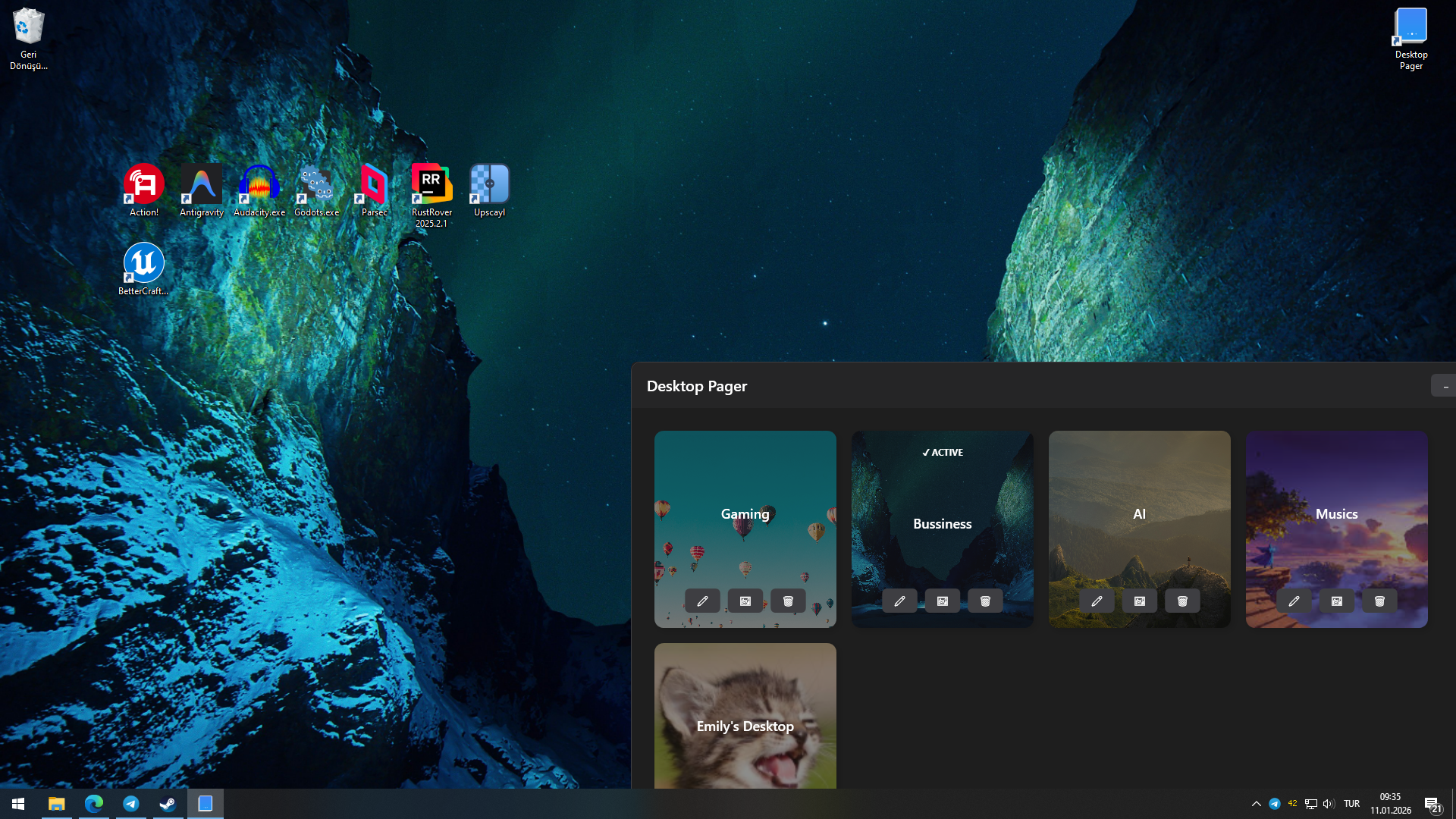
Different wallpaper support for each page.
Use Cases
- Anyone tired of desktop clutter
-
Developers with many project shortcuts
-
Artists and designers managing multiple workflows
Multiple uses in 1 PC
Important
OneDrive desktop sync must be turned off.
Before First Launch
- Put the exe to a folder before the first launch. If you change the place later, Desktop Pager shortcuts in the pages, may be broken.
- If you have important files in your desktop, put them another folder in your disk before the First Launch or before the Uninstallation.
- If the program gives an error, and files in the desktop disappears, you can find them in this directory -> C:\Users\YOUR_USER_NAME\DesktopPager\Pages
How to set a Wallpaper
Just click the wallpaper button in the page cards, then Set Image. If you dont select a wallpaper for each page, "wallpaperless" page will not change the current wallpaper.
Wallpaper Engine
You can subscribe a wallpaper in the wallpaper engine. It downloads the wallpaper to your pc, then click the wallpaper button in the page cards and Set Wallpaper Engine ID. Program asks you to an ID, a link, or path for the Steam Workshop element. You can just put the steam workshop link of the wallpaper that you want.
Purchase
In order to download this software you must purchase it at or above the minimum price of $3 USD. You will get access to the following files:
Leave a comment
Log in with itch.io to leave a comment.