Ren'Py Visual Programming Editor
A downloadable software for Windows, macOS, and Linux
Ren'Py Visual Programming Editor
Visual node-based scripting for Ren'Py visual novels
Build and edit Ren'Py scripts as a node graph — then preview, save, and test your visual novel!
ABOUT
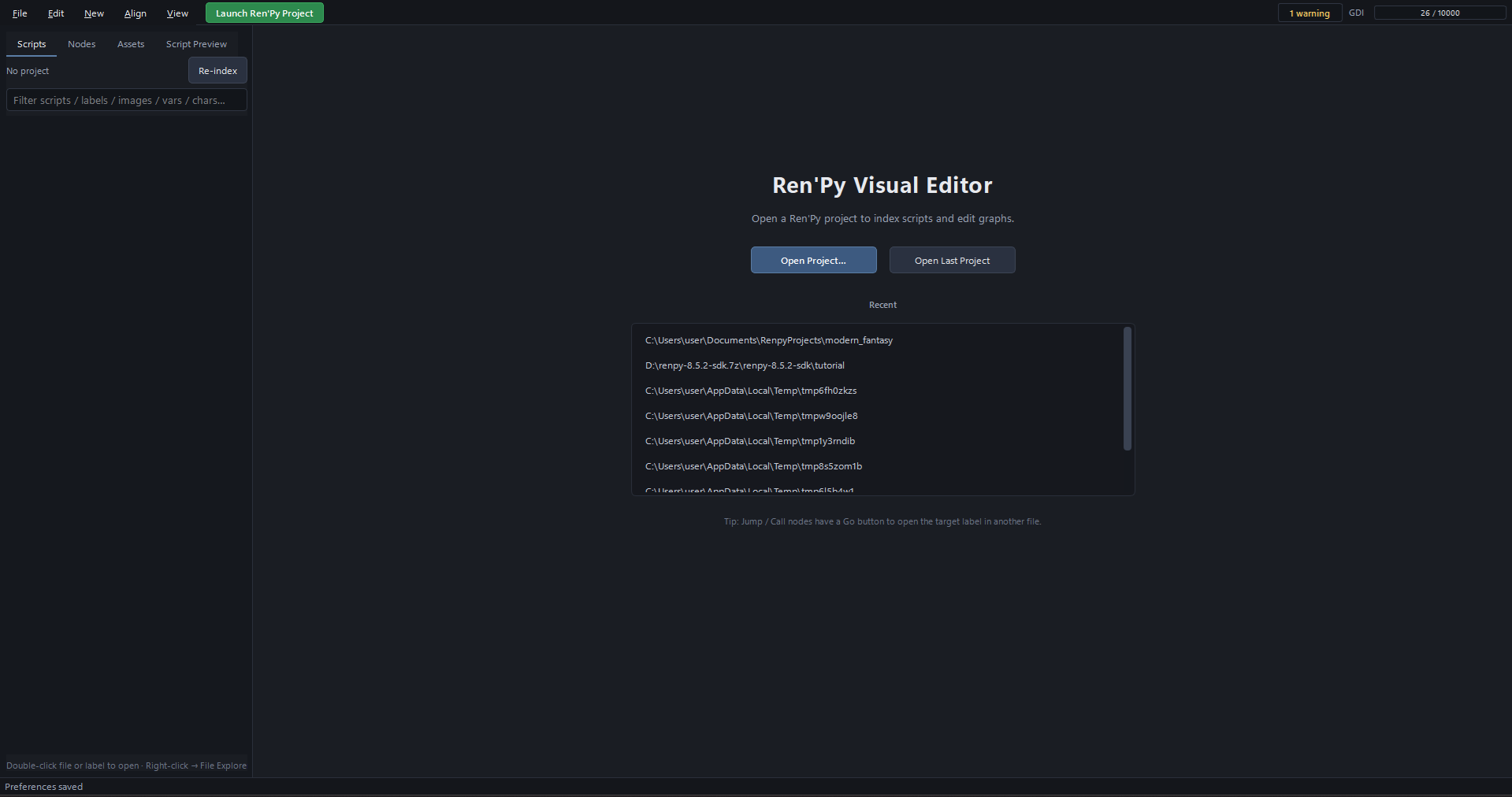
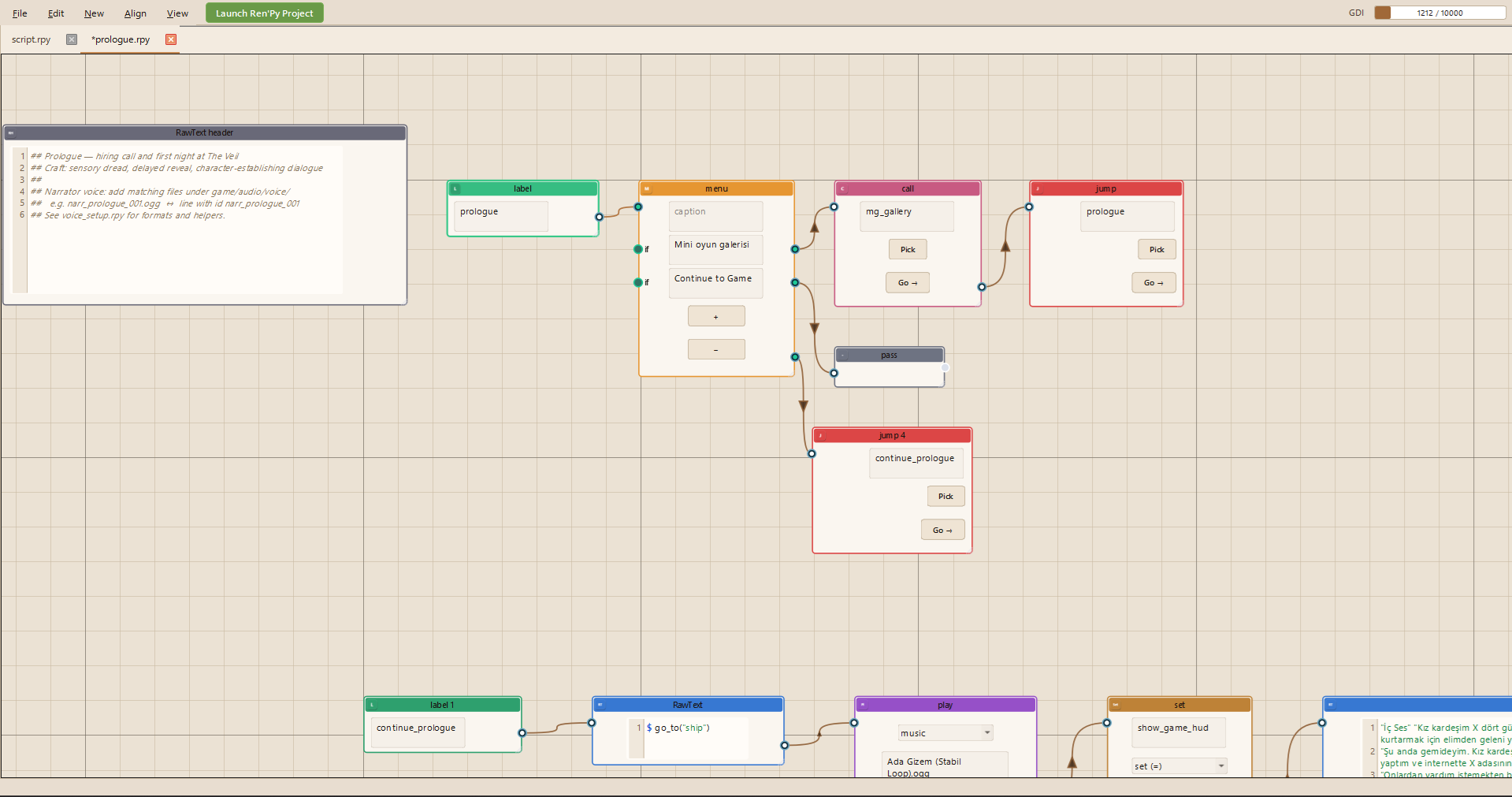
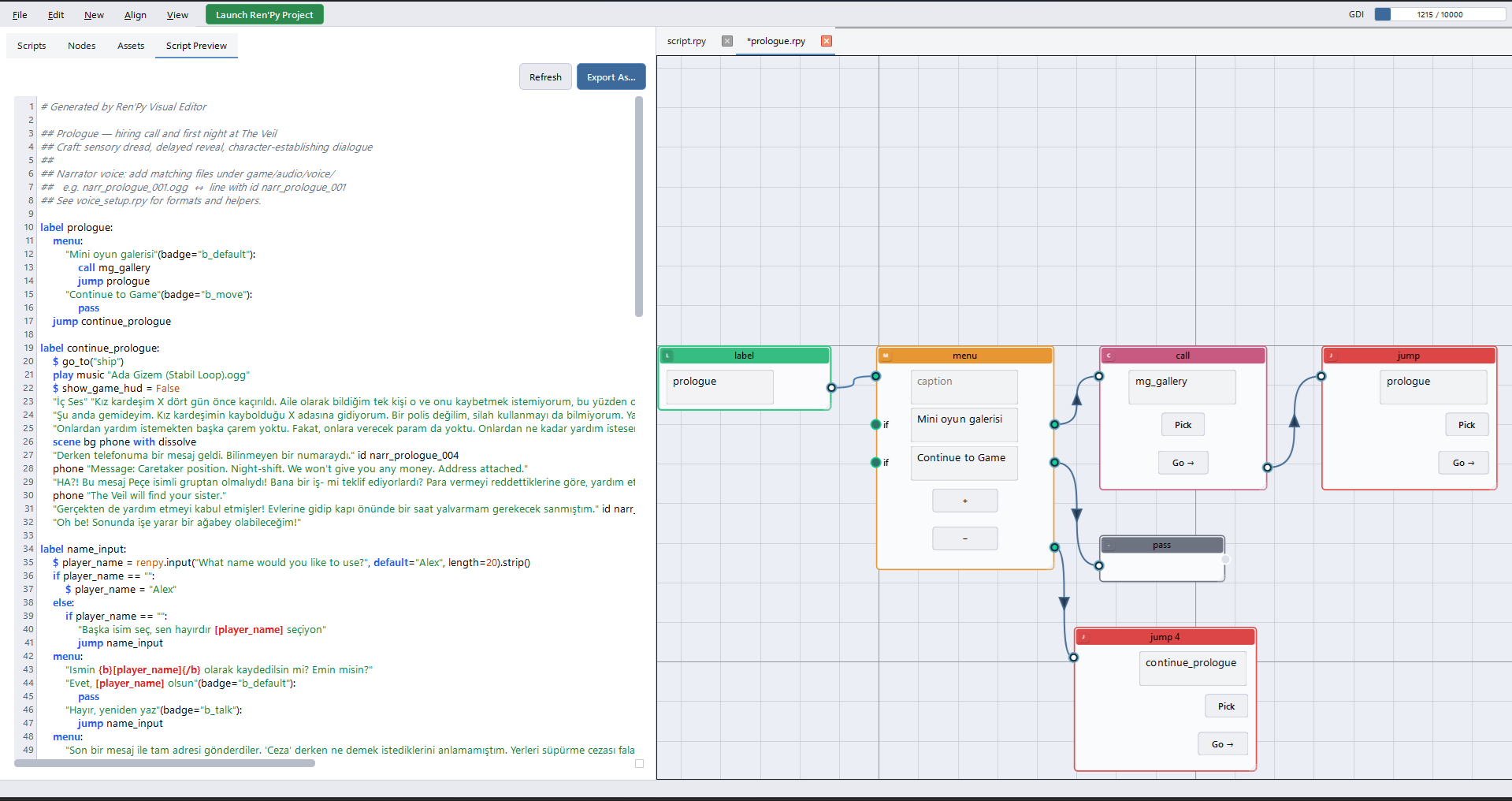
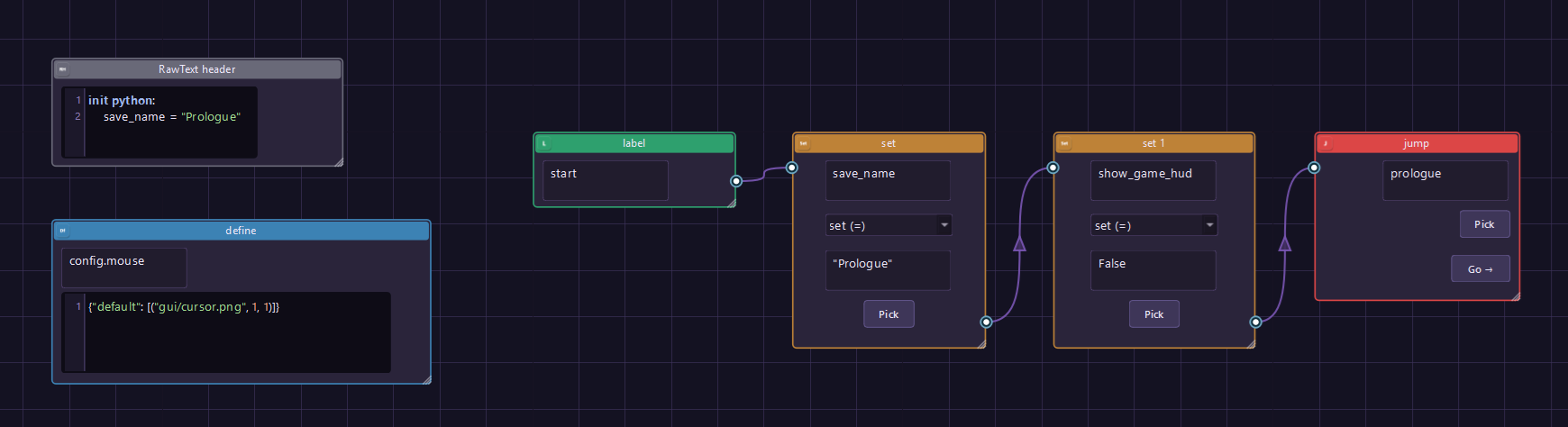
Ren'Py Visual Editor is a desktop visual programming tool for Ren'Py projects. Instead of writing every line by hand, you connect nodes for dialogue, menus, scenes, audio, logic, and definitions — while the editor keeps a live .rpy preview in sync.
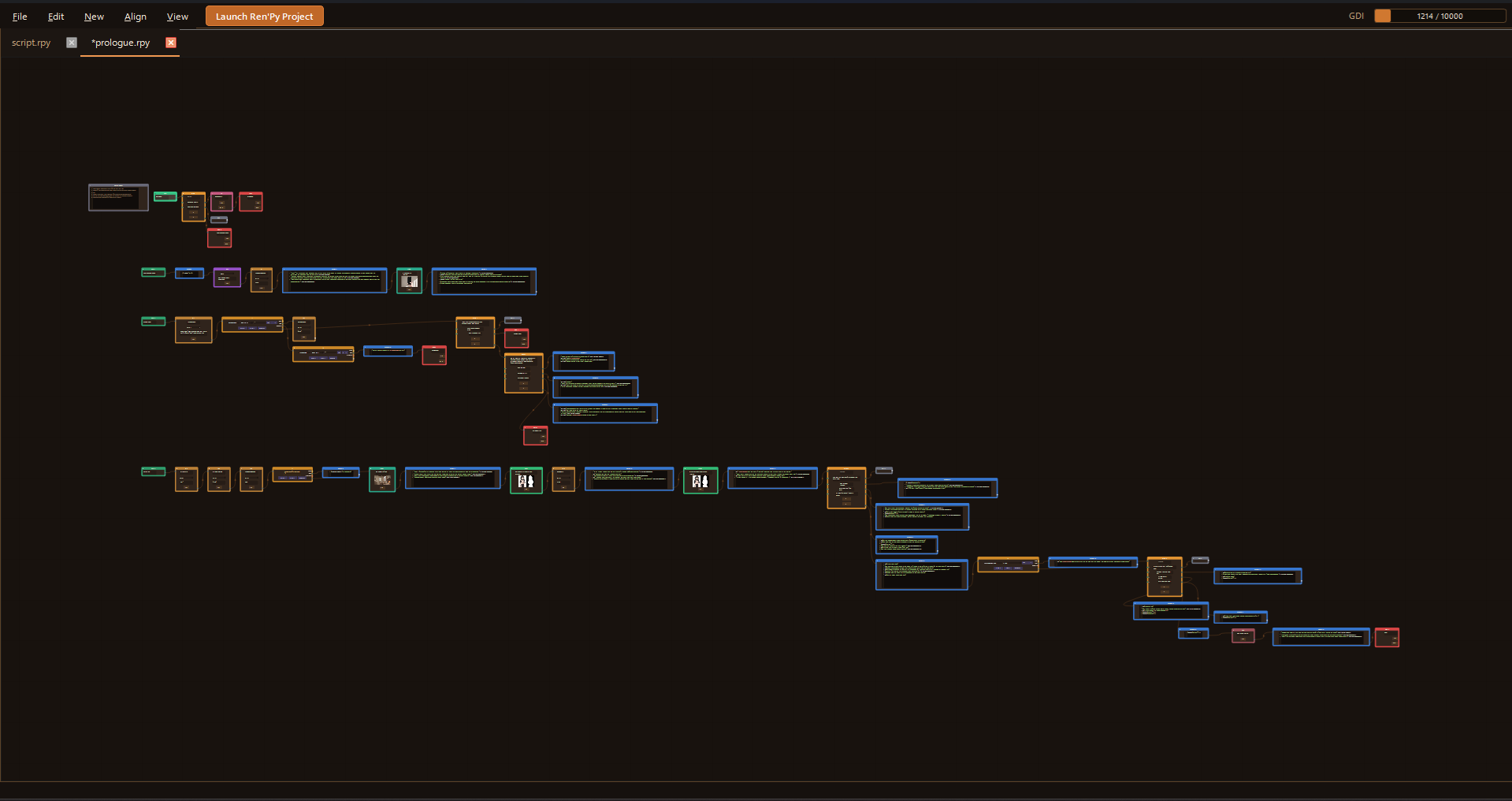
Open an existing Ren'Py game folder, let the editor index your scripts, and work file-by-file in tabs. Jump and Call nodes can navigate across files so branching stories stay readable as graphs, not only as text.
FEATURES
Visual Scripting
- Write scenarios with connected nodes instead of (or alongside) raw script
- Live .rpy preview as you edit the graph
- Export visual graphs back to Ren'Py .rpy files
- Import existing .rpy scripts into editable node graphs (define, label, say, menu, jump, scene, and more)
Project Workflow
- Open Project — auto-scan and asynchronously index all .rpy files under game/
- Project metadata stored under .renpyvisual/ (project.json, index.json)
- Multi-tab editing — one graph per script file
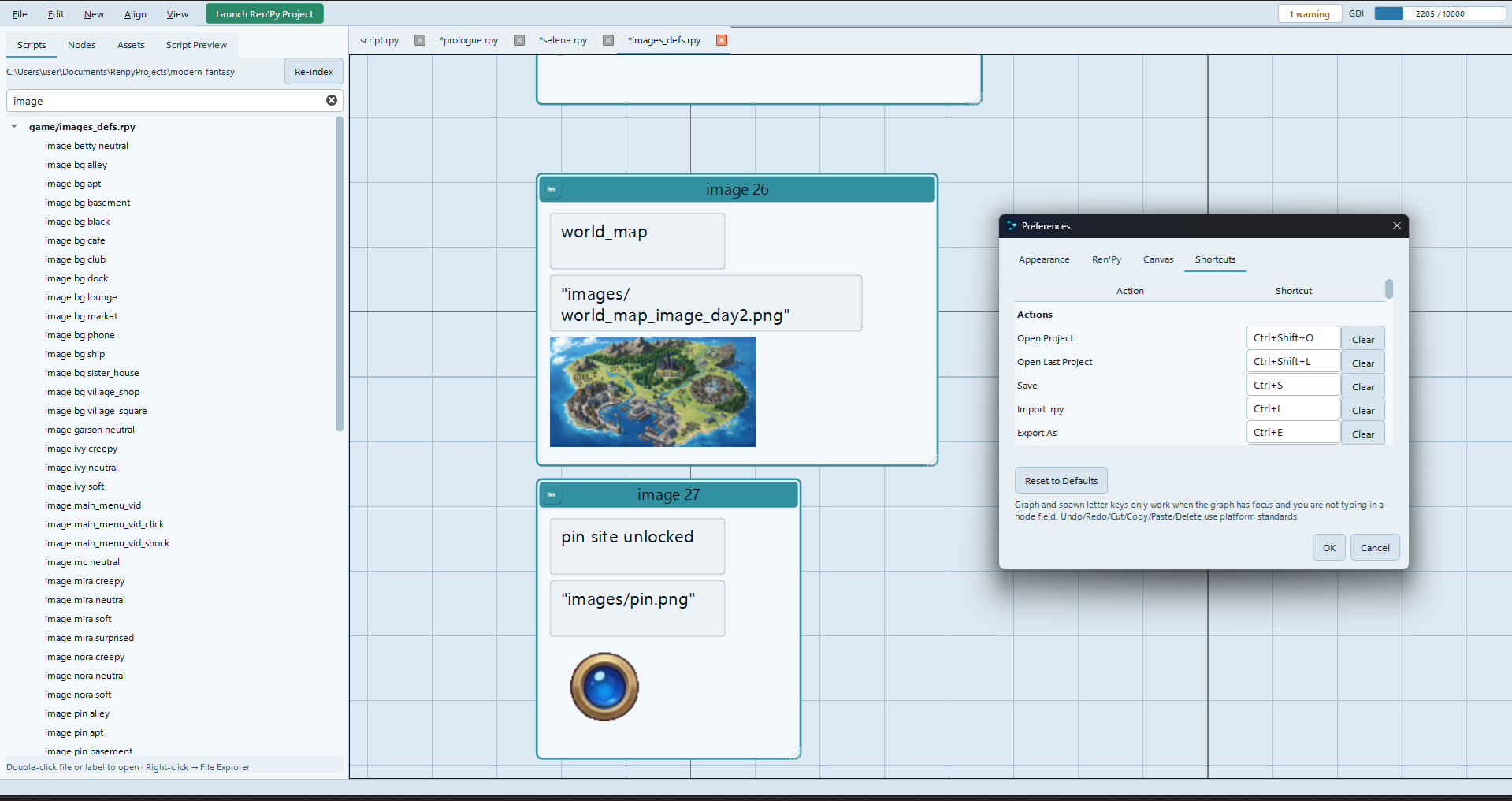
- Scripts tree to browse and open files / labels
- Jump / Call "Go" — open the target label even in another file
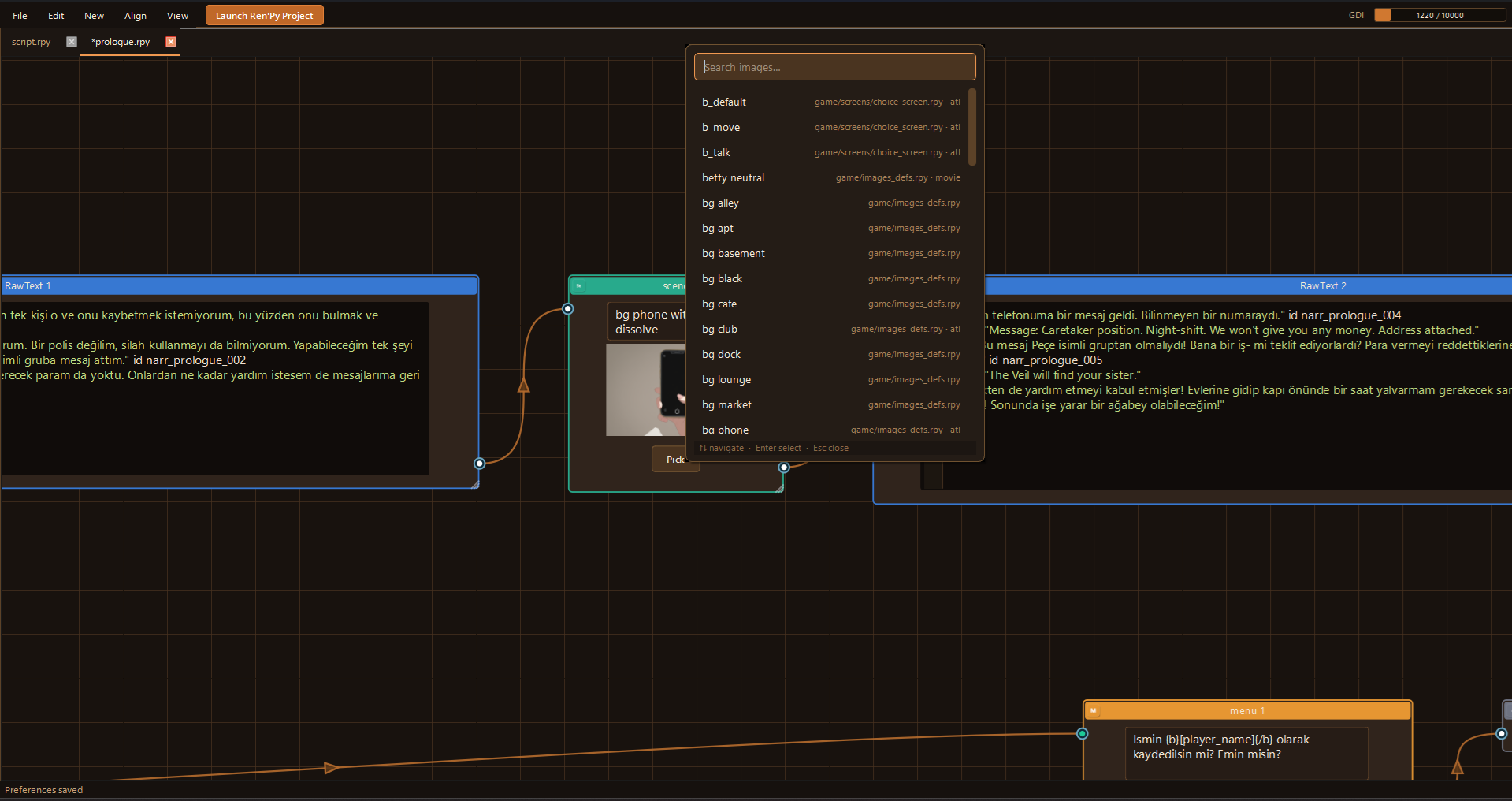
- Assets panel for project images and audio
- Launch Ren'Py from the editor, from a label, or from a node
Authoring & Quality
- Validate graphs: missing labels, empty menus, broken branches
- Cross-file index helps resolve references across the project
- Align / Distribute tools for cleaner layouts
- Resizable nodes & Auto Layout (Shortcut → L)
- Session and visual cache JSON so layouts persist between sessions
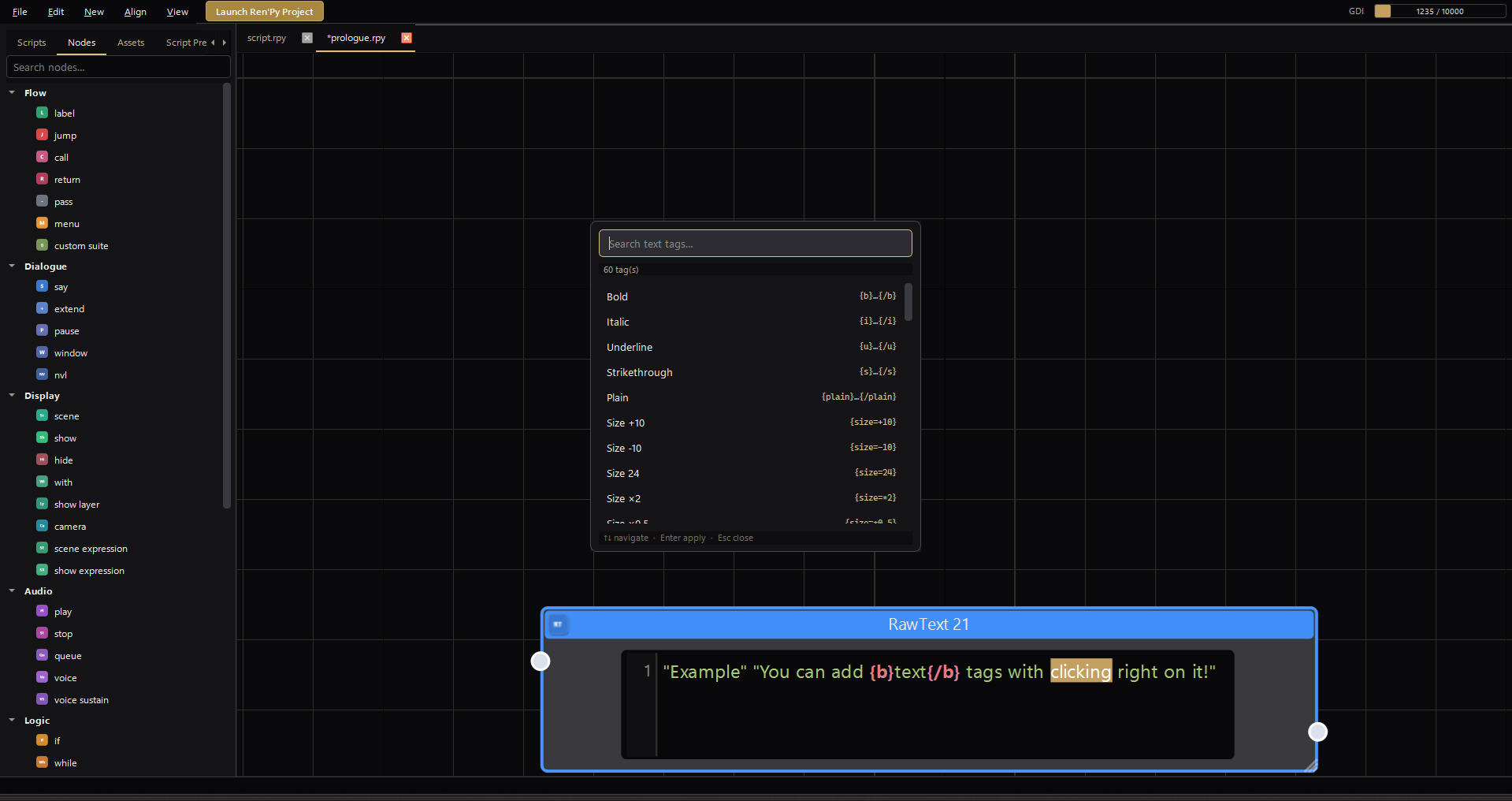
- Customizable shortcuts, Light/Dark themes, drag and drop node library and much more!
THINGS TO KEEP IN MIND
This is a visual authoring aid for Ren'Py — not a replacement for the Ren'Py engine itself. You still need a Ren'Py SDK / install to run and test games.
Import / export aims to cover common Ren'Py script patterns. Highly custom, complex, or unusual .rpy code may not round-trip perfectly. Always keep backups of your project before bulk import or overwrite exports. I personally suggest "git version control" systems.
Video / audio preview uses Qt Multimedia. On some Linux setups, missing system packages (e.g. PulseAudio / GStreamer-related libs) may disable media preview quietly — the rest of the editor still works.
macOS builds may be unsigned. On first launch you may need Right-click → Open, or clear quarantine (xattr).
Linux users may need common Qt / XCB system libraries installed for the UI to start correctly.
GETTING STARTED
- Launch the editor
- File → Open Project… and select your Ren'Py project folder
- Ctrl+S to save a script
- Launch Ren'Py to playtest, or start from a node with Right-click on it
Tip: Jump / Call nodes include a Go control to jump straight to the target label in another file.
Note: Software is real-time following the game flow while you play it. So you can play the game and follow the nodes line by line. In default settings it is ON, if this cause an optimisation problem for your device, you should go to "File > Click to Follow Cursor", it toggles.
PLATFORM SUPPORT
Windows | macOS | Linux
Check the download section for the build that matches your OS.
FEEDBACK
Bug reports, feature requests, and notes about import edge cases are welcome. If something fails to import or export cleanly, include a short .rpy sample when you can.
Thank you for trying Ren'Py Visual Editor.
Purchase
In order to download this software you must purchase it at or above the minimum price of $27.95 USD. You will get access to the following files: